 USA DISTRIBUTION
 INTERACTIVE 3D
MachinesA card shop that
A card shop that
fits in a corner.
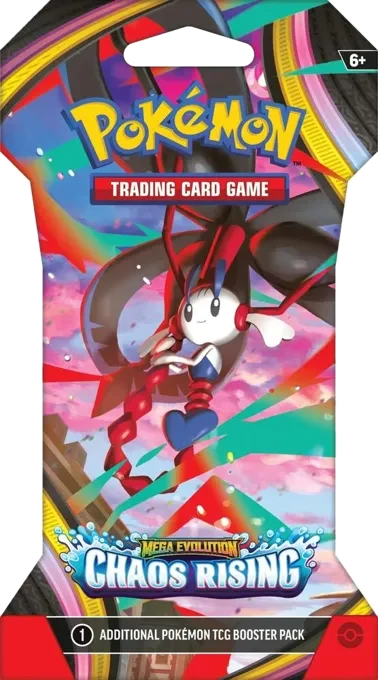
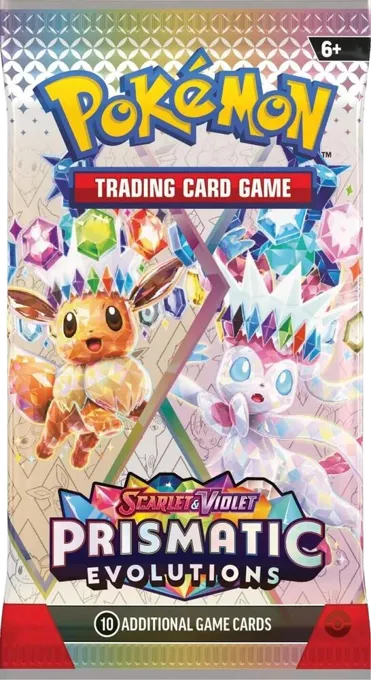
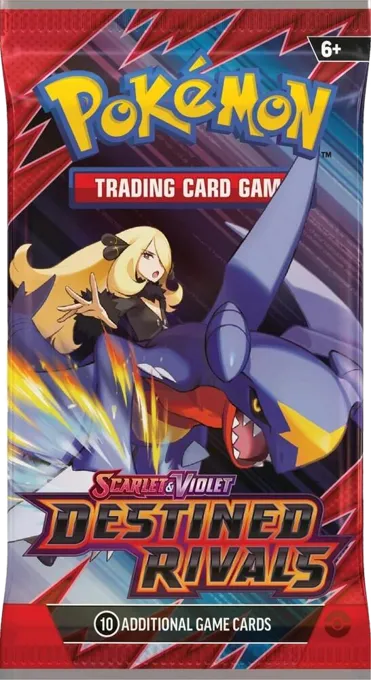
Four Kiosk families. Choose your hardware, make it yours with an original finish or a custom graphic wrap then stock it with sealed Pokémon packs from the same account.
Find your machine Plan a card fill PRO MAX · PRE-ORDER$6,000 USD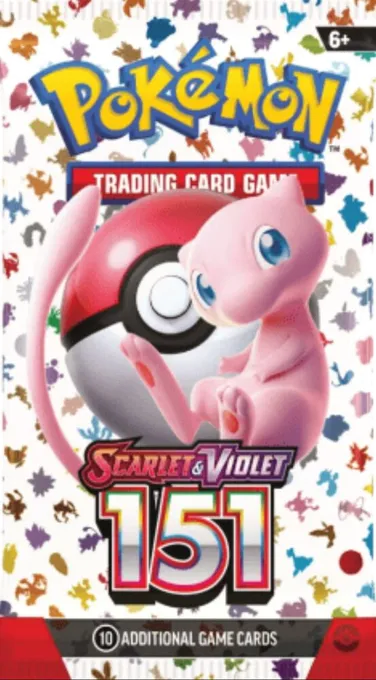
THE KIOSK-X RANGE
One family. Your configuration.
Air for a compact footprint. Power for charging. Pro for a cabinet format. Pro Max for retail and screen experiences.
INTERACTIVE 3D INTERACTIVE 3D
CHARGE THE NEXT STOP
Power
A little power. A better visit.
Charging columnConfiguration review
Explore & configure  INTERACTIVE 3D
ANOTHER WAY TO VEND
Pro
A cabinet built around your assortment.
Box cabinetConfiguration review
Explore & configure INTERACTIVE 3DTHE FLAGSHIP
Pro Max
One footprint. More ways to serve.
Full cabinetPre-orders open
$6,000 USD
Explore & configurePRO MAX · 15 LANES
Every lane, a pack.
The supplier reference is 5 rows × 3 columns of spring dispensing. Map a sealed pack to each lane, then confirm fit before you stock.
- 15 lanes
- 5 rows × 3 columns
- 43″ touch
- Screen-led retail experience
- Remote lock
- Cloud lock, operated from the Operator App
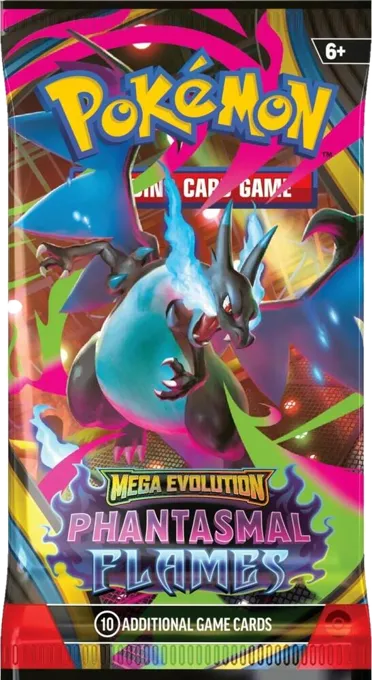
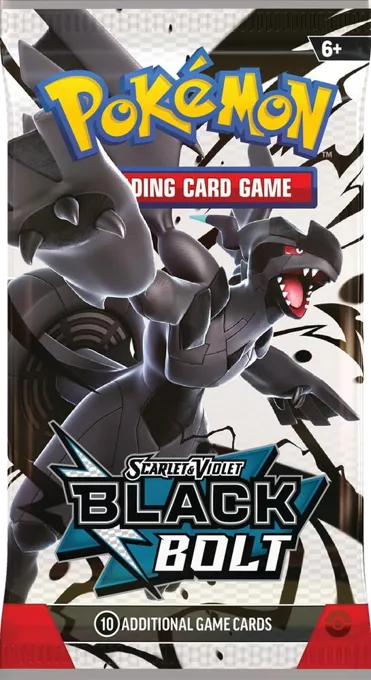
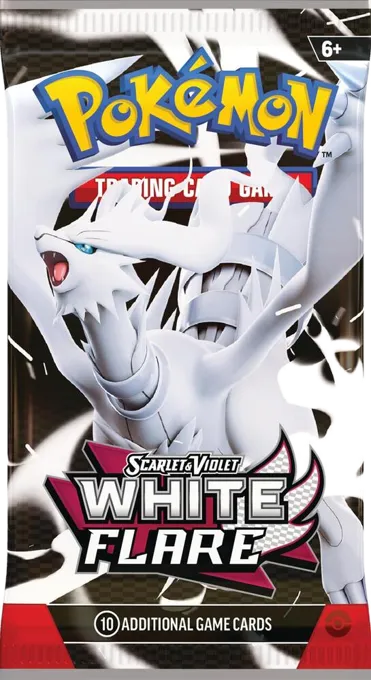
What comes next.

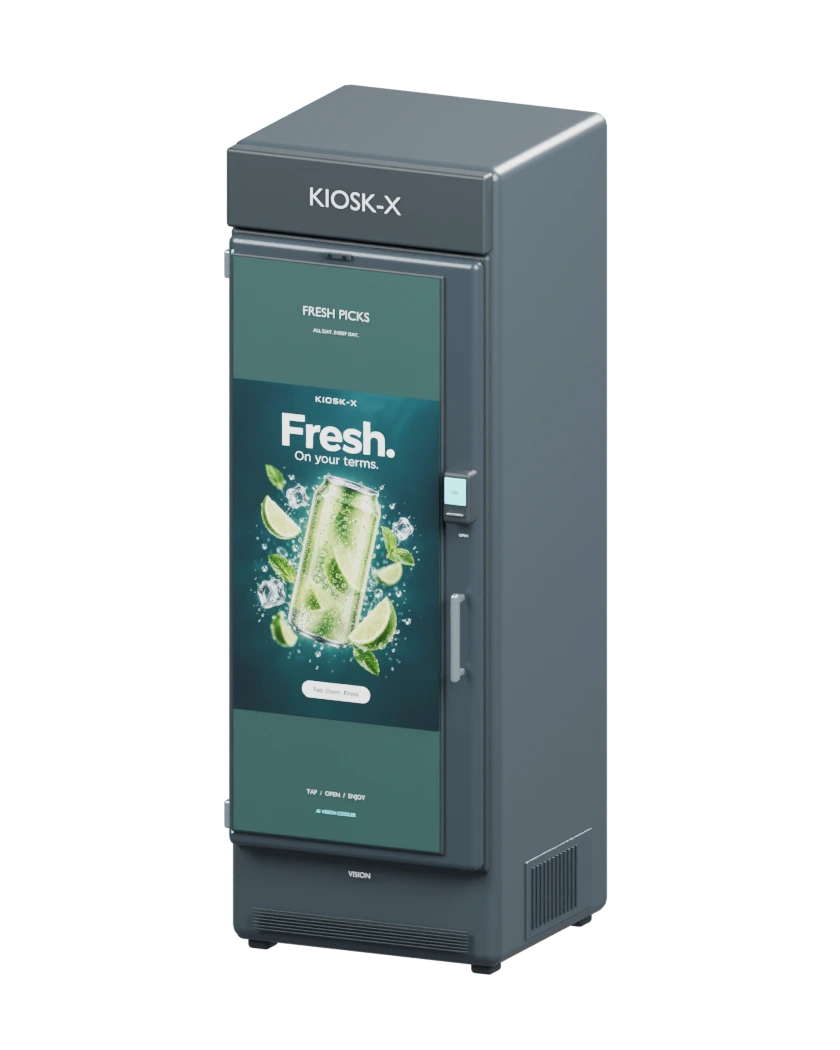
Built around your location.
Choose your machine
Compare formats, explore views, and save your configuration.
Confirm the full picture
We confirm fit, lead time, freight, taxes and the final price.
Order, then stock
Pay when your configuration is ready, then plan your first fill.
OPERATOR FIRST · KIOSK-X
Your business. Within reach.
Operate the machine and the experience around it — fleet status, low-stock alerts on your card lanes, sales and restocks in one Operator App.
Open Operator App